ToDo

A loose list on things yet to do with this site

Check Log for things done: https://homeworldlore.net/books/the-site/page/site-updates-and-maintenance-logs 

List

Emojis
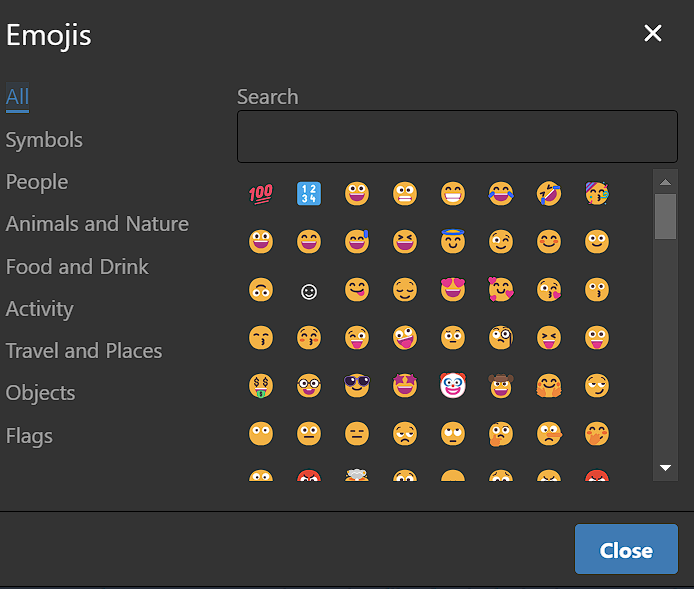
image.png


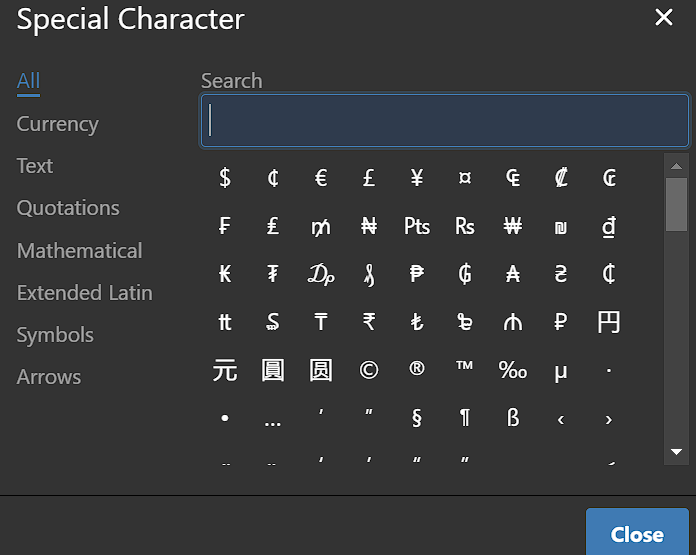
Symbols - special characters

image.png


Review all texts for correct formatting and structure, in particular when it comes to credits and placement of those, based upon https://homeworldlore.net/books/the-site/page/writing-and-formatting-standards . Work with extracted PDF's to get the images inserted in text, like this one:  https://homeworldlore.net/books/homeworld-2-lore/page/history-of-hiigara  Reduce emphasis on categorization and promote just getting the content up, sorting can be done later. Dangerous.
Check LI CSS, it seems inconsistent.
  • vertical space
  • sub items 
  • are taller
  • than they should be
Tabbing for LI hierarchy does not really work all that well Alternate login / account methods

    Discord


    MFA ? Check with users. Better backup, ref: https://www.bookstackapp.com/docs/admin/backup-restore/  Edit php.ini  for file management settings, file sizes, allowed file types etc Test Inleed as host... www.bsa.conram.it   Images for the menues... how can it be so hard to find suitable images for the diff books? Text only ?

    php variables for post-max-size = 64MB, upload-max-filesize = 64MB and memory_limit = 512MB changed as posted here. This affects attachments, uploads and server perfomance.

    1. Hero Section or Banner

      Where: Update resources/views/theme/home.blade.php in your active theme. How: Add a banner with an image or styled header. Use a CSS class for styling, e.g., .hero-banner { background: url('/path/to/image.jpg'); height: 300px; ... }. Inject @if conditions for light/dark mode styles.

      2. Menu & Navigation

        Customizing Navigation:
          Adjust in the base.blade.php template for universal changes. Use the sidebar or header containers to place icons or custom buttons. For mobile, ensure your .mobile-menu-toggle styles are clean and responsive. Quick Link Sections:
            Modify the resources/views/theme/home.blade.php to create collapsible or expandable menus.

            3. Typography

              Where: Add global CSS in theme.css or inject font styles in the theme files. How: Use Google Fonts:
              css
              @import url('https://fonts.googleapis.com/css2?family=Michroma&display=swap'); h1, h2, .site-title { font-family: 'Michroma', sans-serif; }
              Set font-size hierarchy directly in CSS:
              css
              h1 { font-size: 2.5rem; } h2 { font-size: 2rem; }

              4. Custom Sections

                Where: Modify home.blade.php for custom layouts. How:
                  Add cards or panels manually using Bootstrap or custom CSS grids. Example:
                  html
                  <div class="feature-section"> <div class="feature-item">Spotlight: <a href="#">Taiidan Empire</a></div> <div class="feature-item">New: <a href="#">Kiith Stories</a></div> </div>
                  Style .feature-item in your CSS file.

                  5. Theme & Colors

                    Where: theme.css for global light/dark mode changes. How:
                      Use CSS variables:
                      css
                      :root { --primary-color: #333; --secondary-color: #777; } .dark-mode { --primary-color: #000; --secondary-color: #555; }
                      Apply to styles:
                      css
                      body { background: var(--primary-color); color: var(--secondary-color); }

                      6. Interactive Features

                        Search Bar: Already built into BookStack but can be repositioned or styled in the templates. Carousels: Use Bootstrap or custom JavaScript in the theme files.
                        html
                        <div id="carouselExample" class="carousel slide"> <div class="carousel-inner"> <div class="carousel-item active"><h3>Chapter 1</h3></div> <div class="carousel-item"><h3>Chapter 2</h3></div> </div> </div>

                        7. Mobile Optimization

                          Where: CSS, especially for the .mobile-menu-toggle or responsive grid layouts. How: Use @media queries to adjust layouts:
                          css
                          @media (max-width: 425px) { .sidebar { display: none; } .header { font-size: 1.5rem; } }

                          8. Graphics

                            Use icons, logos, or watermarks by embedding <img> tags in the Blade templates. Optimize SVG files for scalable designs.
                              Where: Add or modify in base.blade.php. Example:
                              html
                              <footer> <div>Contact: <a href="mailto:your@email.com">Email Us</a></div> <div><a href="https://discord.com">Discord</a></div> </footer>

                              10. Consistency

                                Audit CSS to ensure no overlap of redundant styles. Use shared CSS classes for repeatable elements (e.g., buttons, headers).